
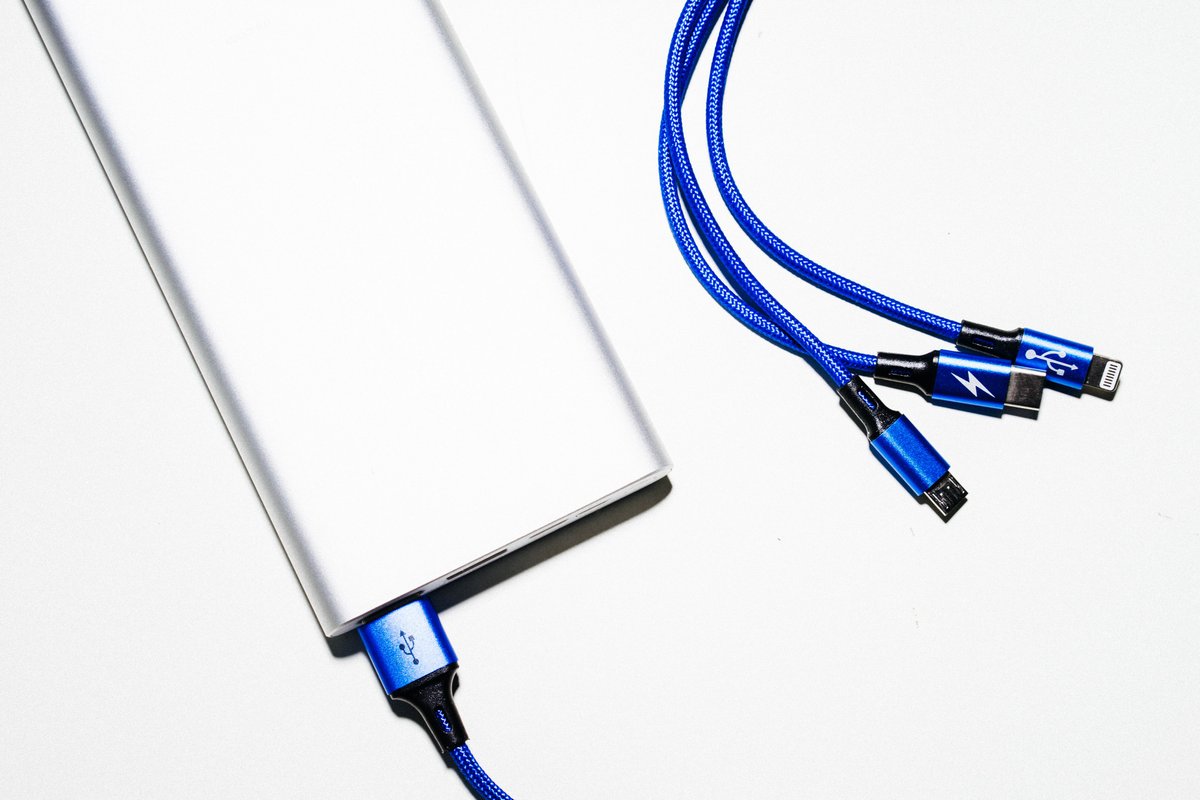
Desks today hold more devices than most offices had a decade ago, and that creates a real demand for workspace power solutions that keep laptops, monitors, and accessories running without a tangle of mismatched adapters. Professionals juggling video calls, external displays, and multiple peripherals need a desk setup that charges reliably and stays organized. This is the category Anker has built out with dedicated hubs, chargers, and docks designed specifically for desk-based work.
Understanding Workspace Power and Desk Productivity
A cluttered desk with tangled cables slows people down in small, cumulative ways. Multi-port chargers and docking accessories reduce that friction by consolidating several charging needs into one connection point. Anker‘s own site describes desktop charging hubs and docking stations as multitaskers, featuring several ports that charge laptops, tablets, and smartphones from a single location.
That consolidation matters because a single point of power simplifies how a workstation is set up each morning. Instead of reaching for separate chargers for a phone, a laptop, and a tablet, a single hub or power strip can manage all three. This is the foundation of what workspace power solutions are meant to address at a desk.
Anker Desktop USB-C Hub: High-Refresh-Rate Display Integration
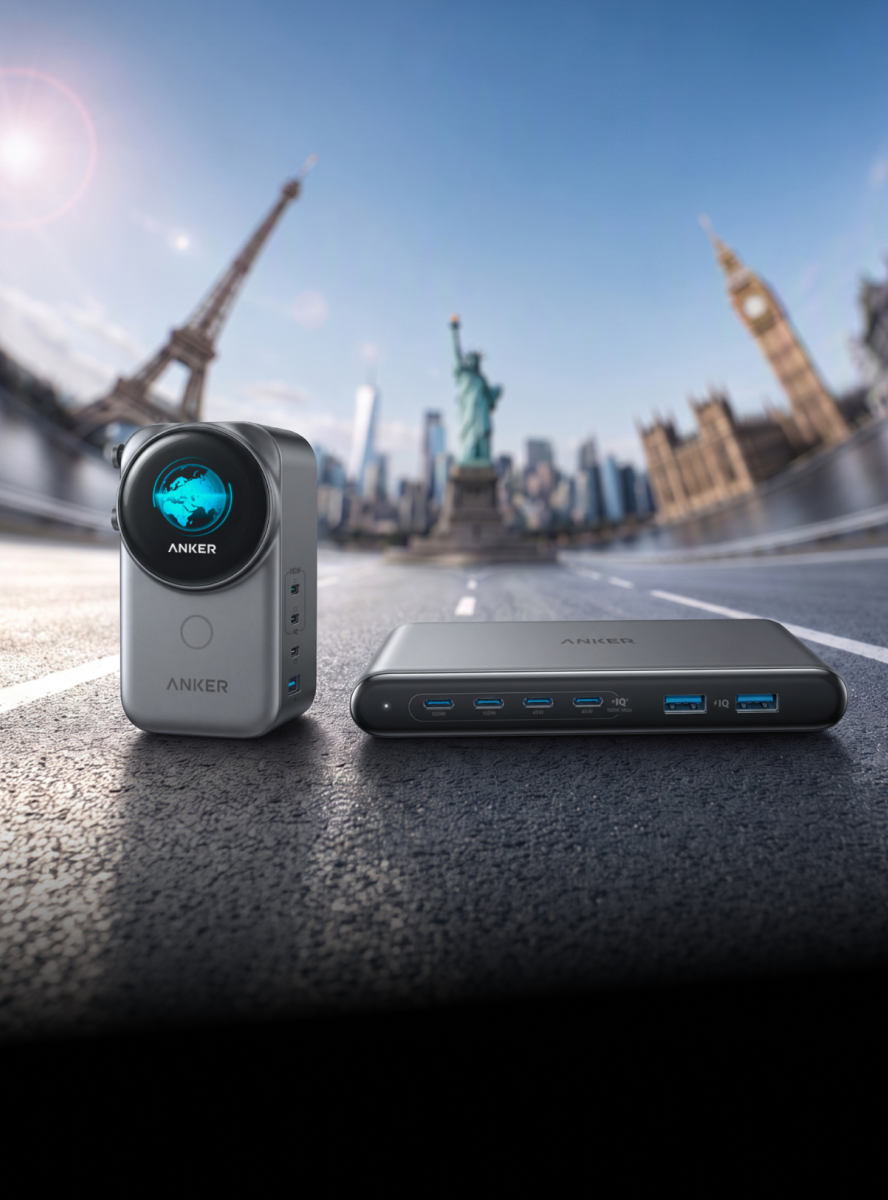
Among Anker‘s workspace-focused releases, the Anker Desktop USB-C Hub stands out for its display capabilities. The brand describes it as the industry’s first high-refresh-rate USB-C hub with a smart display, aimed at connecting a desk setup to an external monitor while also charging connected devices. For anyone working with dual-monitor arrangements or high-frame-rate visuals, a hub built around display performance addresses a need that basic charging-only accessories cannot.
Beyond the refresh-rate claim, the inclusion of a smart display on the hub itself is notable because it moves some status information off a connected screen and onto the accessory. That means a professional can glance at the hub rather than opening a settings menu to check connection status. It is a feature built specifically for people who treat the desk as a semi-permanent workstation rather than a temporary charging spot.
Anker Nano Professional: Fast Charging for Workspace Devices

The It Nano Professional line is positioned by the brand as fast charging all in a nano format, which speaks to a compact charger designed to keep pace with modern device demands. A smaller charger footprint matters on a desk where outlet space and surface area are both limited. Fitting fast charging into a nano-sized unit allows a workspace to stay tidy while still supporting devices that draw more power.
This approach fits naturally alongside the broader charging lineup, which spans power banks, wall chargers, and wireless charging options. For a desk that needs quick top-ups between meetings rather than overnight charging, a nano-format fast charger is a practical fit. It reflects the same emphasis on compact, multitasking hardware that runs through the rest of the workspace offerings.
Anker Laptop Charger Pro: Smart Battery Protection Technology
Anker‘s site highlights the Anker Laptop Charger Pro as the world’s first smart laptop charger built to protect battery health. For a desk setup where a laptop may stay plugged in for extended stretches during a workday, this kind of charger addresses a concern that standard chargers do not. The materials frame this unit specifically around protecting battery health over the course of regular daily use.
Pairing a laptop with a charger designed around its daily plugged-in pattern is a logical extension of a workspace power approach. Rather than treating all chargers as interchangeable bricks, this product line signals attention to how laptops are actually used at a desk, not just how they are used on the move. That distinction separates workspace-specific hardware from general-purpose charging accessories, and it is part of what makes these workspace power solutions distinct from ordinary chargers.
Docks and Cable Solutions for Complete Workspace Setup
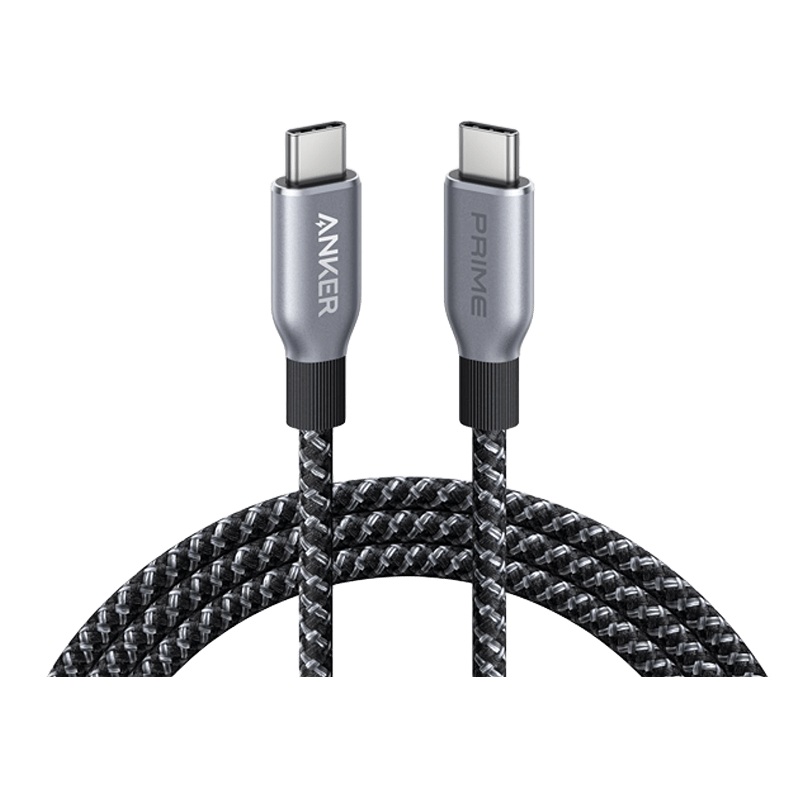
No single charger or hub fully solves desk organization, so Anker extends its workspace lineup into docks, cables, and power strips, all categories it lists among its core product lines alongside power banks and wireless chargers. A desk benefits from this kind of layered approach because display connections, charging cables, and power distribution are three separate problems that only look similar, and the multi-port charger category specifically exists to cut down on the number of bricks plugged into a single outlet.
Combining a hub with a dedicated dock and a set of matched cables reduces how many separate accessories sit on a desk at any given time. The following points summarize how these pieces work together in a desk environment.
- The Anker Desktop USB-C Hub pairs high-refresh-rate display support with a built-in smart display for status information.
- The Anker Nano Professional delivers fast charging in a compact format suited to limited desk space.
- The Anker Laptop Charger Pro is built specifically to support battery protection during extended, desk-based charging sessions.
- Docking stations and hubs are designed to charge laptops, tablets, and phones from a single connection point.
- Power strips and multi-port chargers reduce the number of individual adapters needed at a single desk.
- Cable solutions are positioned as a companion category to hubs and docks rather than an afterthought.
Building a Fully Charged Workspace with Anker
Anker frames its workspace category plainly on its own site, describing it as power for productivity right at the desk. That framing ties together the hub, the nano charger, the laptop charger, and the docking accessories into a single practical purpose. Choosing workspace power solutions from a single, coordinated lineup, rather than mixing unrelated chargers, is what gives a desk setup its consistency.
Across display hubs, compact fast chargers, protective laptop charging, and docking accessories, the throughline is a desk that runs on fewer, better-matched pieces of hardware. That is the practical shape of workspace power solutions as currently presented.